Actions
Bug #4733
open
PS
SR
Location Tracking Not Working – "Location Permission Request Timed Out" Error
Bug #4733:
Location Tracking Not Working – "Location Permission Request Timed Out" Error
Start date:
Due date:
% Done:
0%
Estimated time:
Description
Log in to the Field Sales application.
Navigate to the Location Tracking settings.
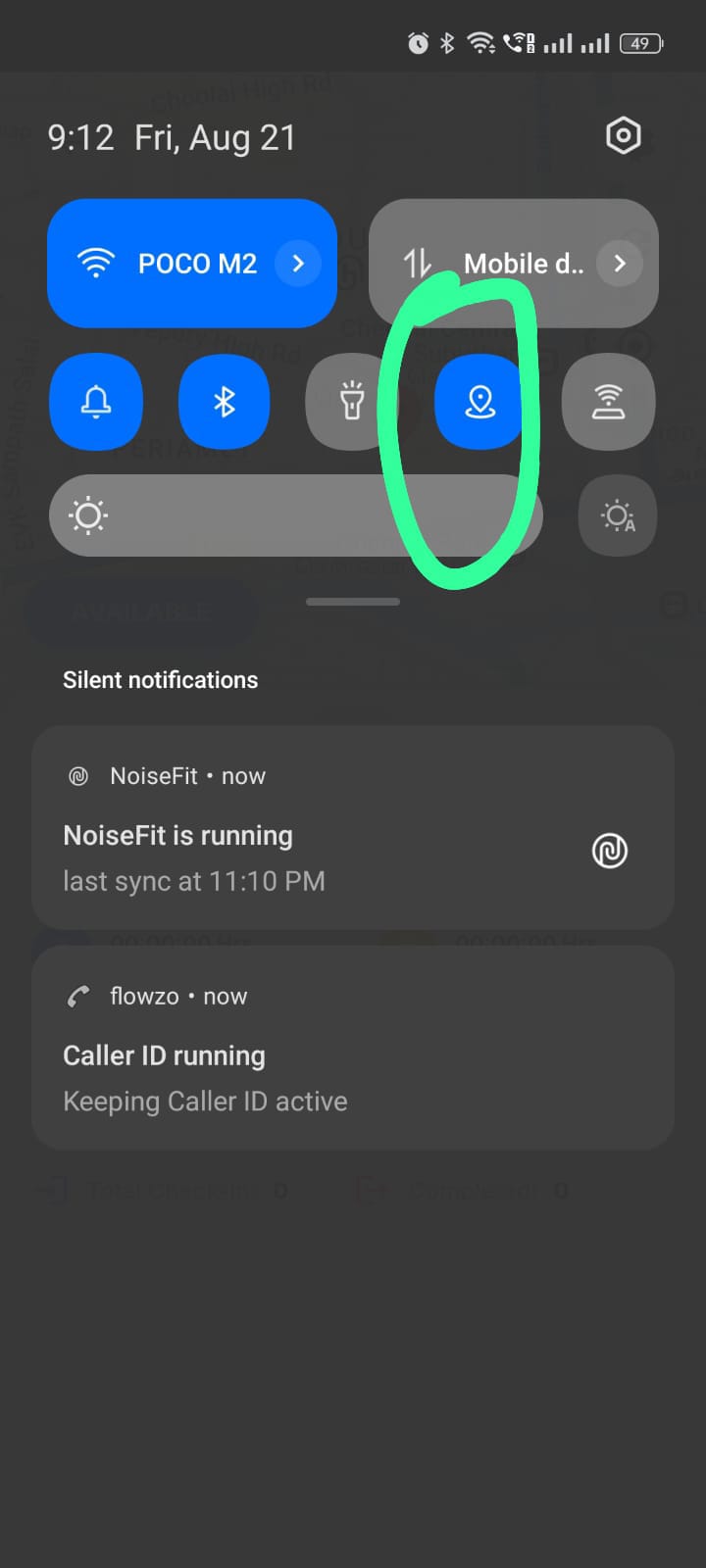
Ensure Location Tracking is enabled.
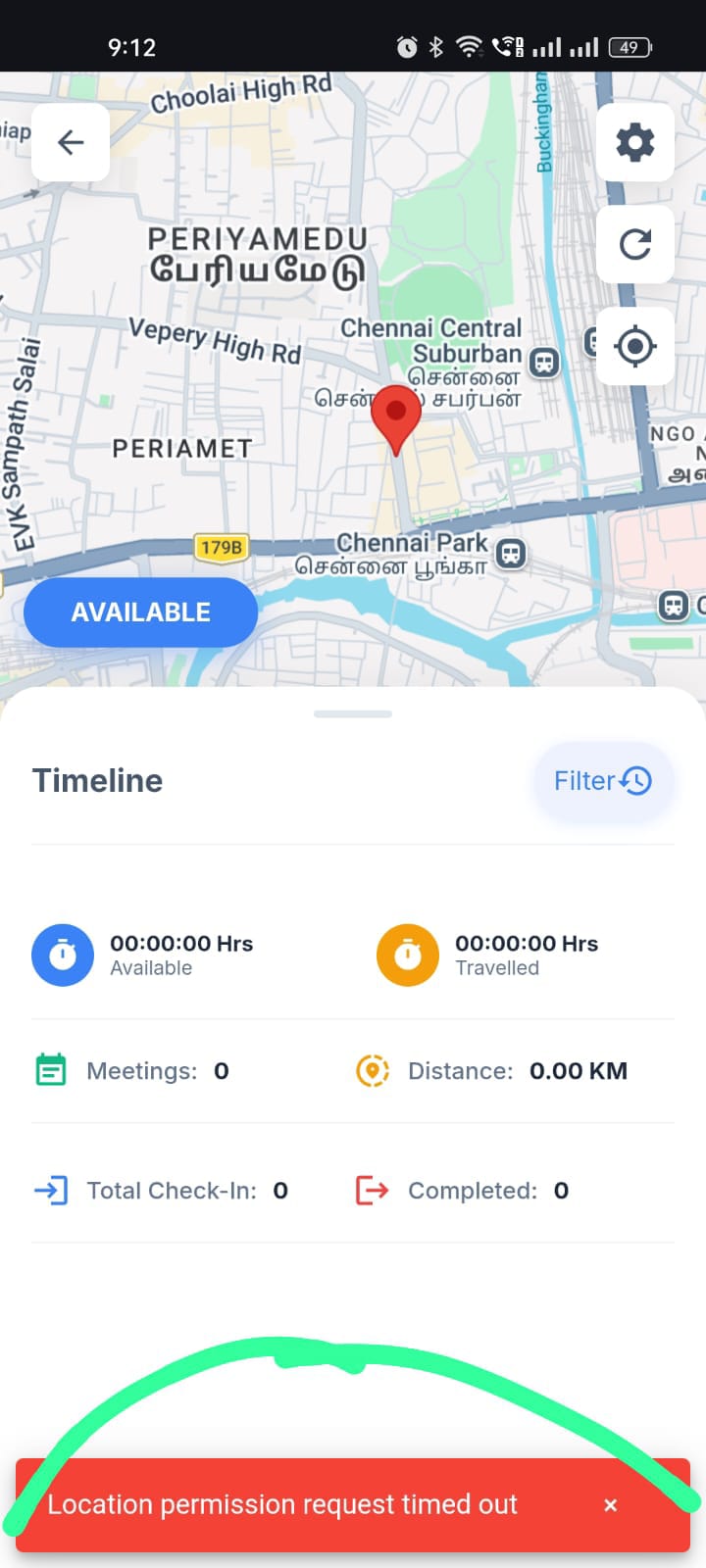
Click the Available option.
Observe the application behavior.
Expected Result:
The application should successfully request and receive location permission, and the user's location should be tracked when Location Tracking is enabled.
Actual Result:
Even though Location Tracking is enabled, clicking Available displays the error message "Location Permission Request Timed Out". As a result, the user's location is not tracked.
testprabhu@yopmail.com
Welcome@123
Files
No data to display
Actions