Actions
Task #3883
open
DP
YV
"Click to Call" Popup Displayed When Calling Secondary Phone Number in Grid Type 1
Task #3883:
"Click to Call" Popup Displayed When Calling Secondary Phone Number in Grid Type 1
Start date:
Due date:
% Done:
0%
Estimated time:
Description
1.Login to the CRM application.
2. Navigate to Lead Grid and select Grid Type 1.
3. Open a lead with a Secondary Phone Number.
4. Click the Call icon for the secondary phone number.
5. Observe the system behavior.
deepakrajsandeep@gmail.com
Welcome@123
Files
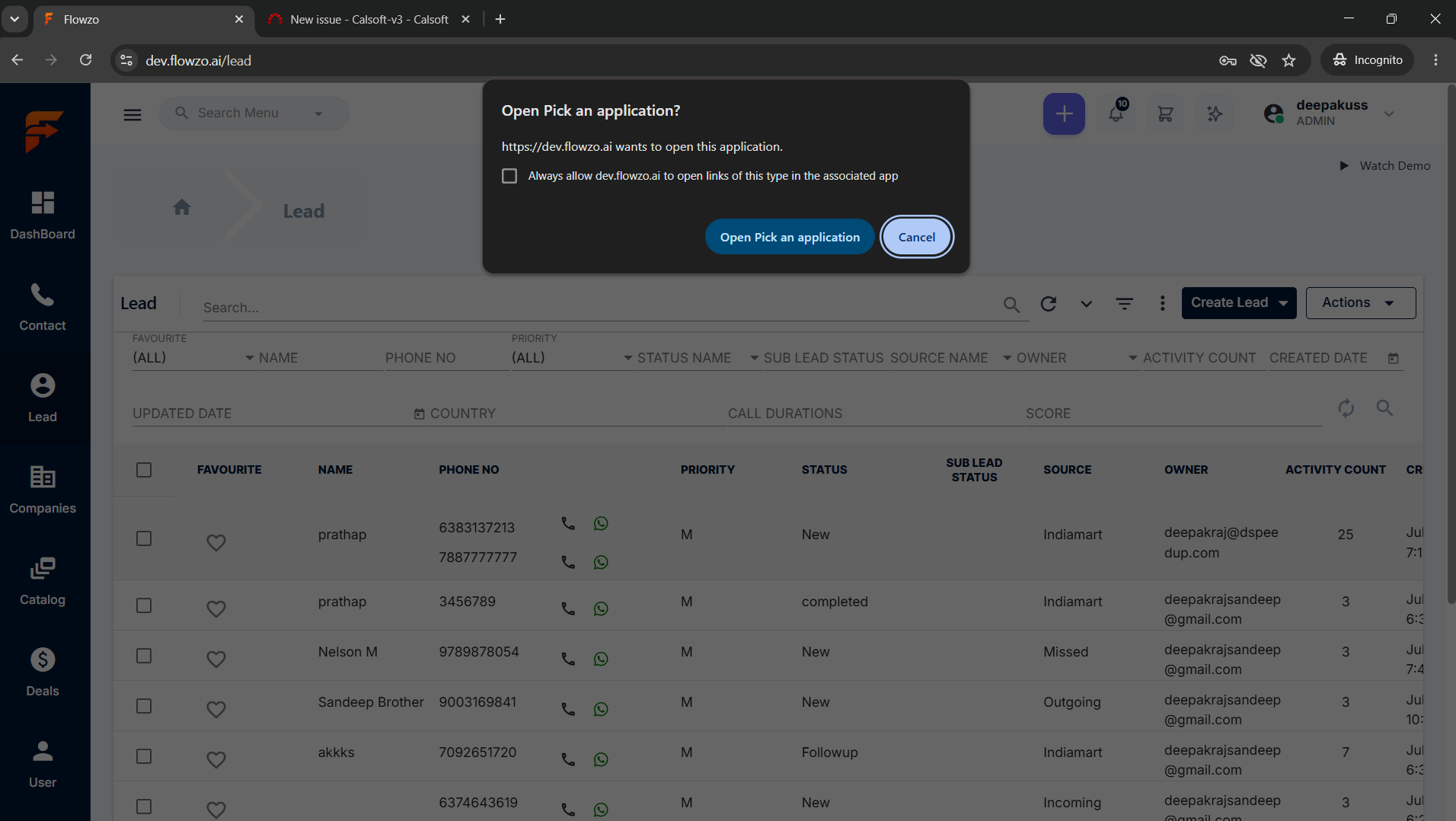
Actions