Actions
Bug #4613
closed
DP
BE
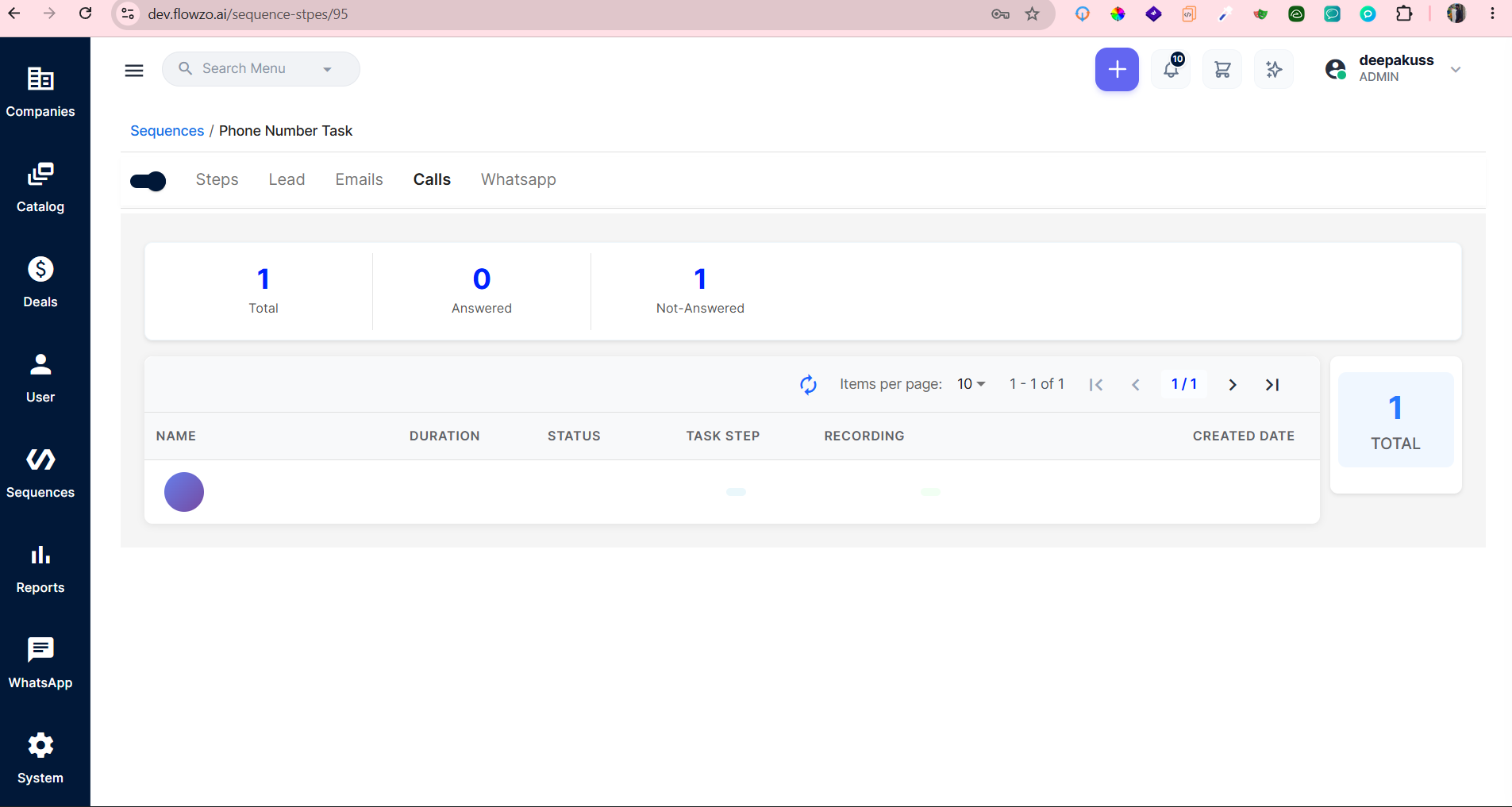
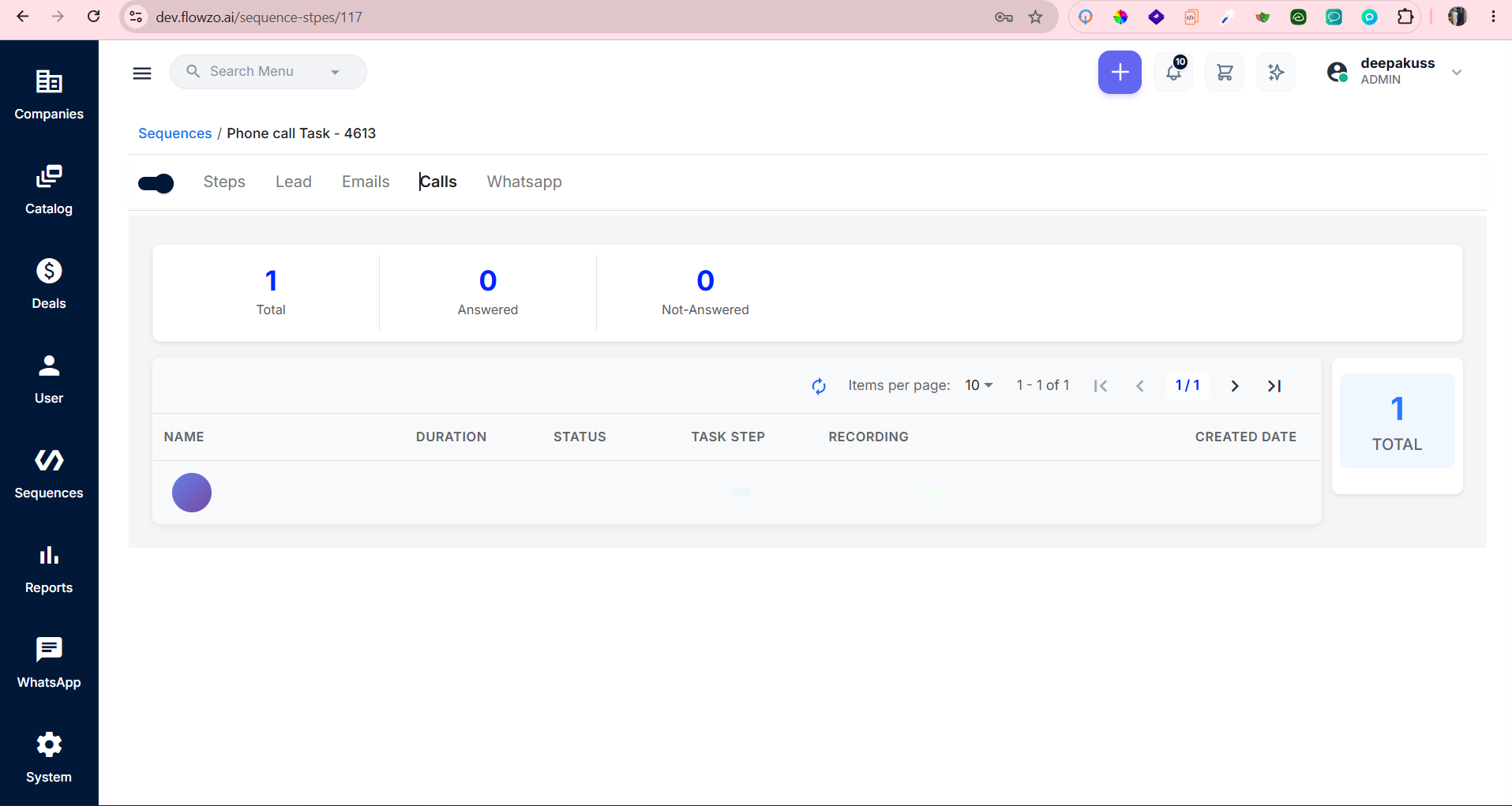
In Sequences , Lead Name and other call details are not displayed in the respective columns
Bug #4613:
In Sequences , Lead Name and other call details are not displayed in the respective columns
Start date:
Due date:
% Done:
0%
Estimated time:
Description
Preconditions : A Phone Number Task should contain a call record with valid Lead/Contact details
Steps to Reproduce
- Login to the application.
- Navigate to Sequences.
- Open a Phone Number Task.
- Go to the Calls tab.
- Check the call record displayed in the list.
- Verify the Name, Duration, Status, Task Step, Recording, and Created Date columns.
deepakrajsandeep@gmail.com
Welcome@123
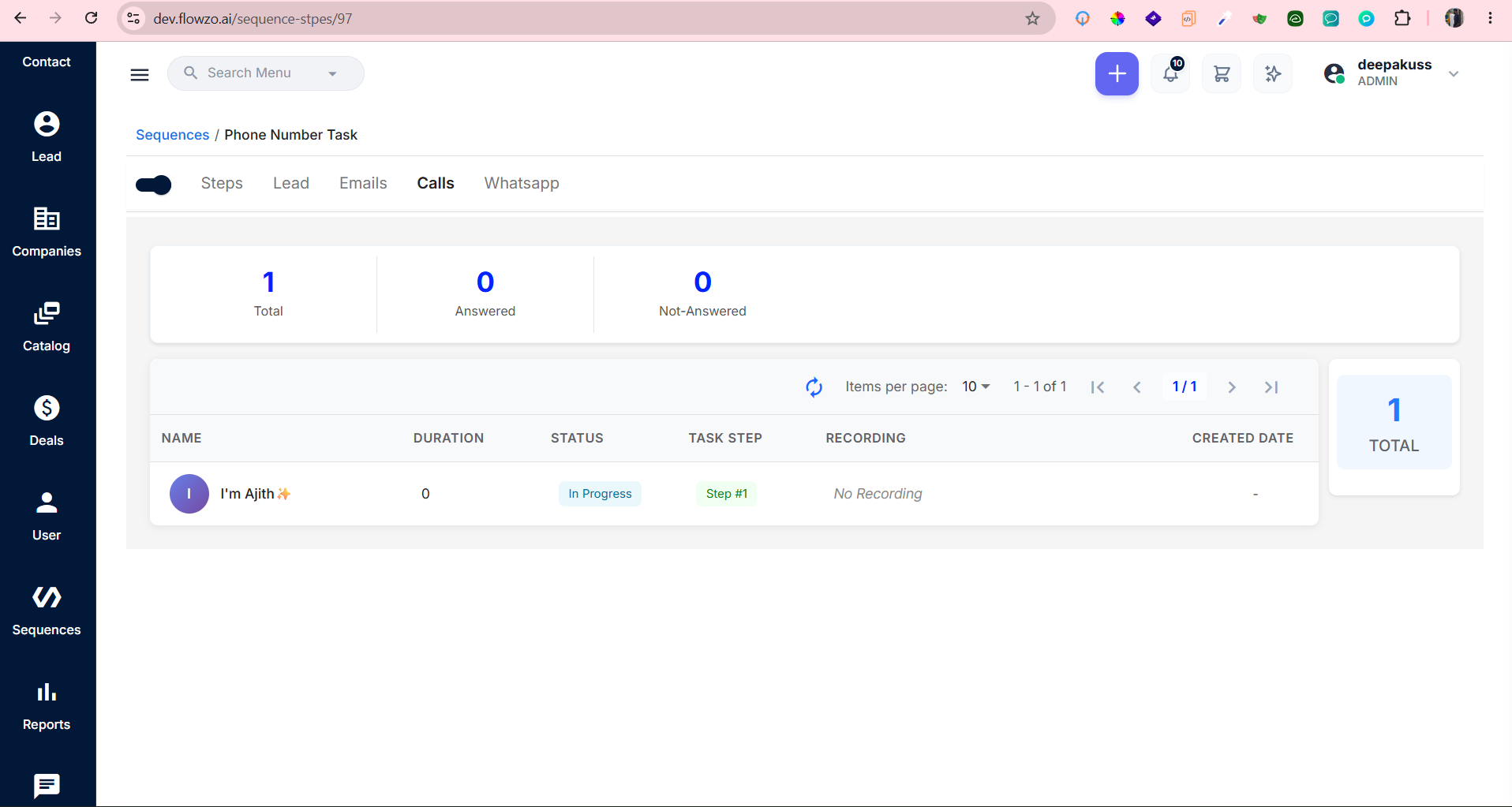
Expected:All applicable columns should display the correct corresponding values, including Lead Name, Duration, Status, Task Step, Recording, and Created Date.
Actual:Lead Name is not displayed, and the other columns also appear blank/without values even though the call record is available.
Files
Actions