Actions
Bug #4653
closed
RR
PP
Website: Upcoming Account Renewal and Overdue Account Renewals – OK Button Not Working After Excel Export
Bug #4653:
Website: Upcoming Account Renewal and Overdue Account Renewals – OK Button Not Working After Excel Export
Start date:
Due date:
% Done:
0%
Estimated time:
Description
Module: Upcoming Account Renewal
Platform: Website
Steps to Reproduce:
- Login to the Website.
- Navigate to the Upcoming Account Renewal report.
- Open the report/filter option.
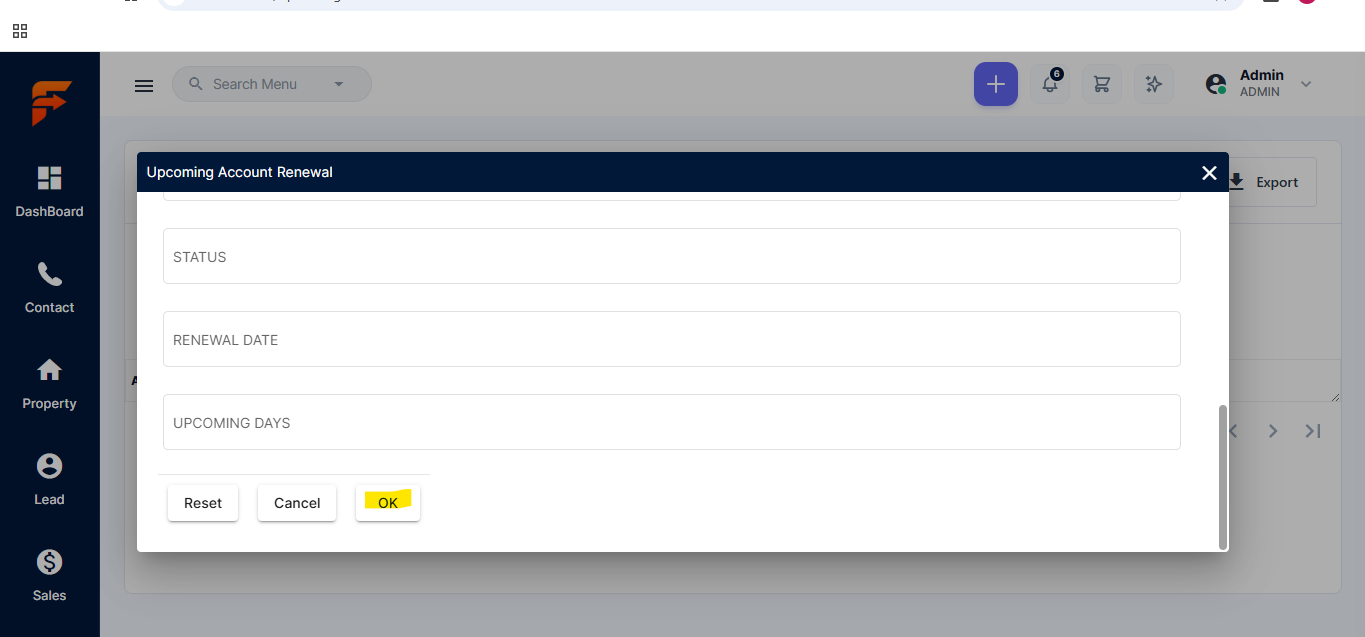
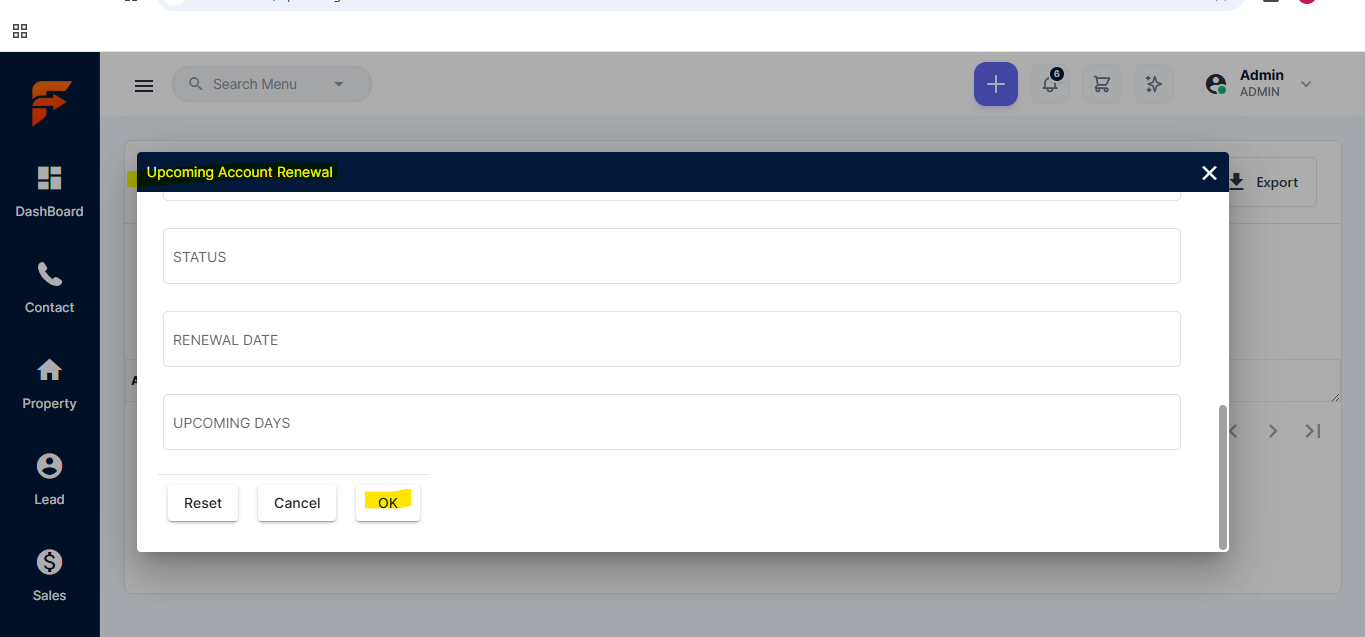
- Enter the required details such as Status, Renewal Date, and Upcoming Days.
- Click OK and generate the report.
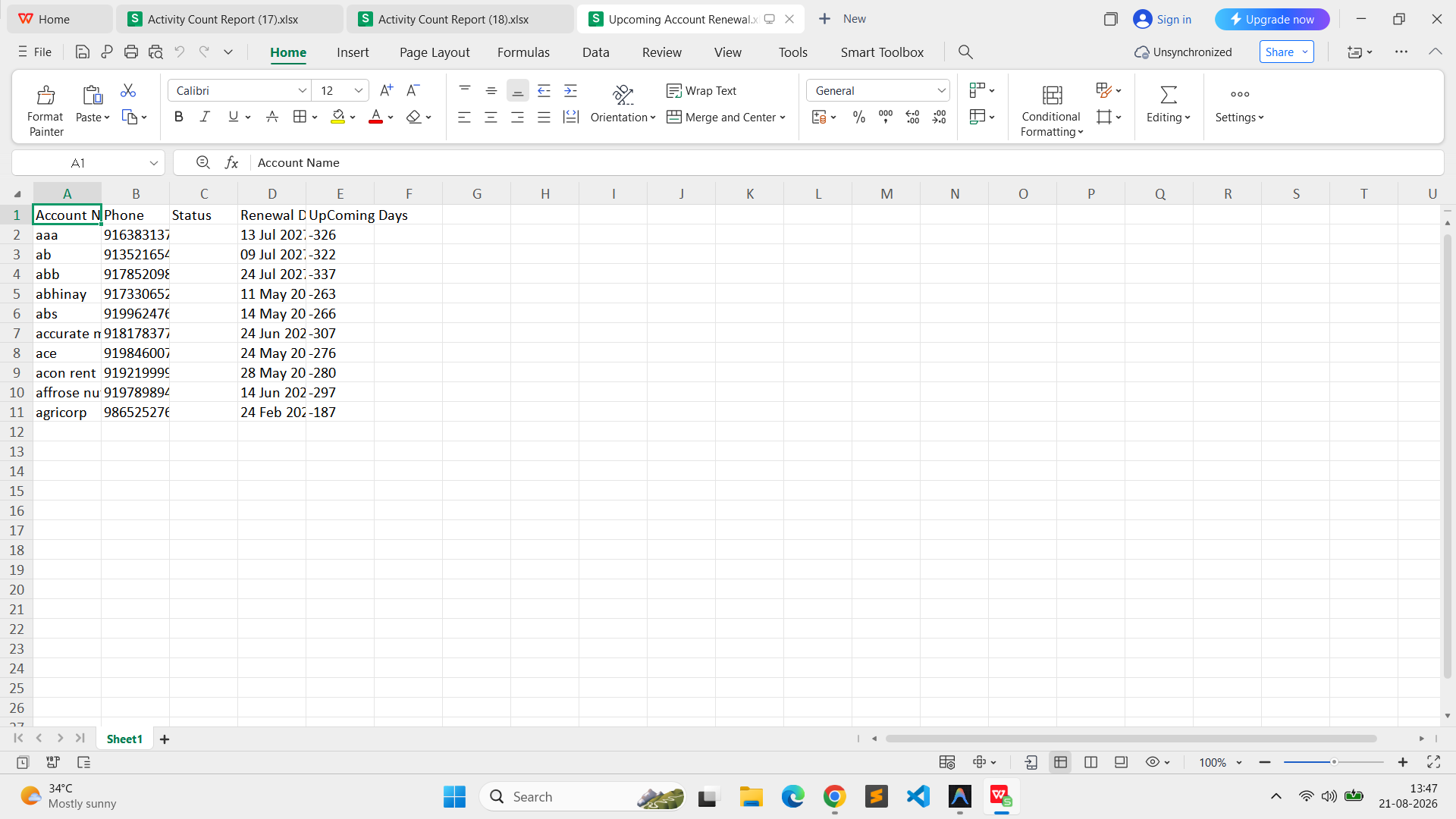
- Export/download the report as an Excel file.
- After exporting, click the OK button again.
- Observe that the OK button is not functioning and the same page remains displayed.
Actual Result:
After exporting the Excel file, clicking the OK button does not perform any action, and the user remains on the same page.
Expected Result:
The OK button should function properly after the Excel export and proceed with the requested action without keeping the page stuck.
Dev Url:https://dev.flowzo.ai/
Admin Url: admin@flowzo.ai
Password: Admin@123
company Name cai
Files
RR Updated by reeta reeta 4 days ago
- File clipboard-202608191246-lzmdm.png clipboard-202608191246-lzmdm.png added
- Subject changed from Website: Upcoming Account Renewal – OK Button Not Working After Excel Export to Website: Upcoming Account Renewal and Overdue Account Renewals – OK Button Not Working After Excel Export
PP Updated by parkavan p 2 days ago
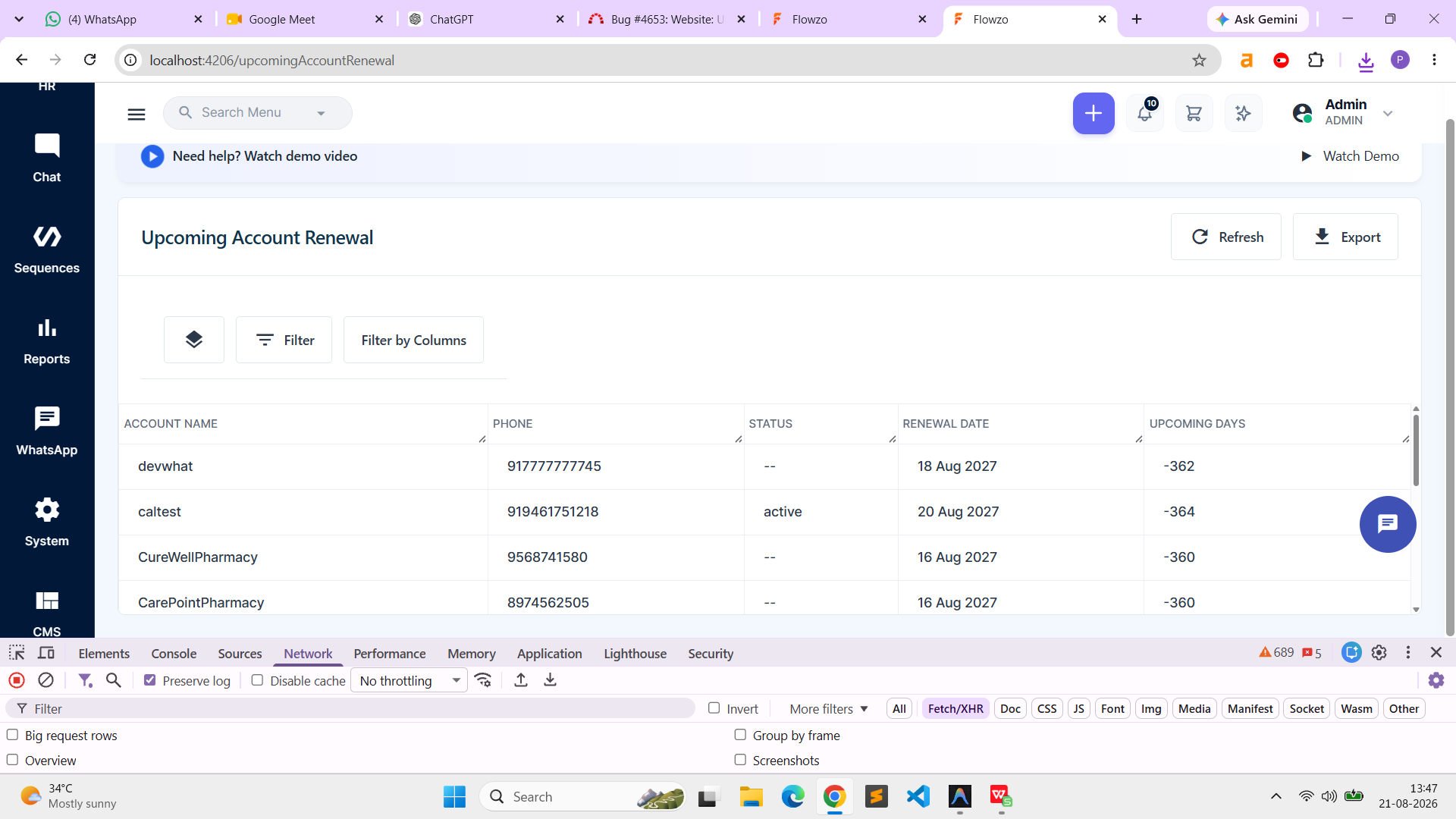
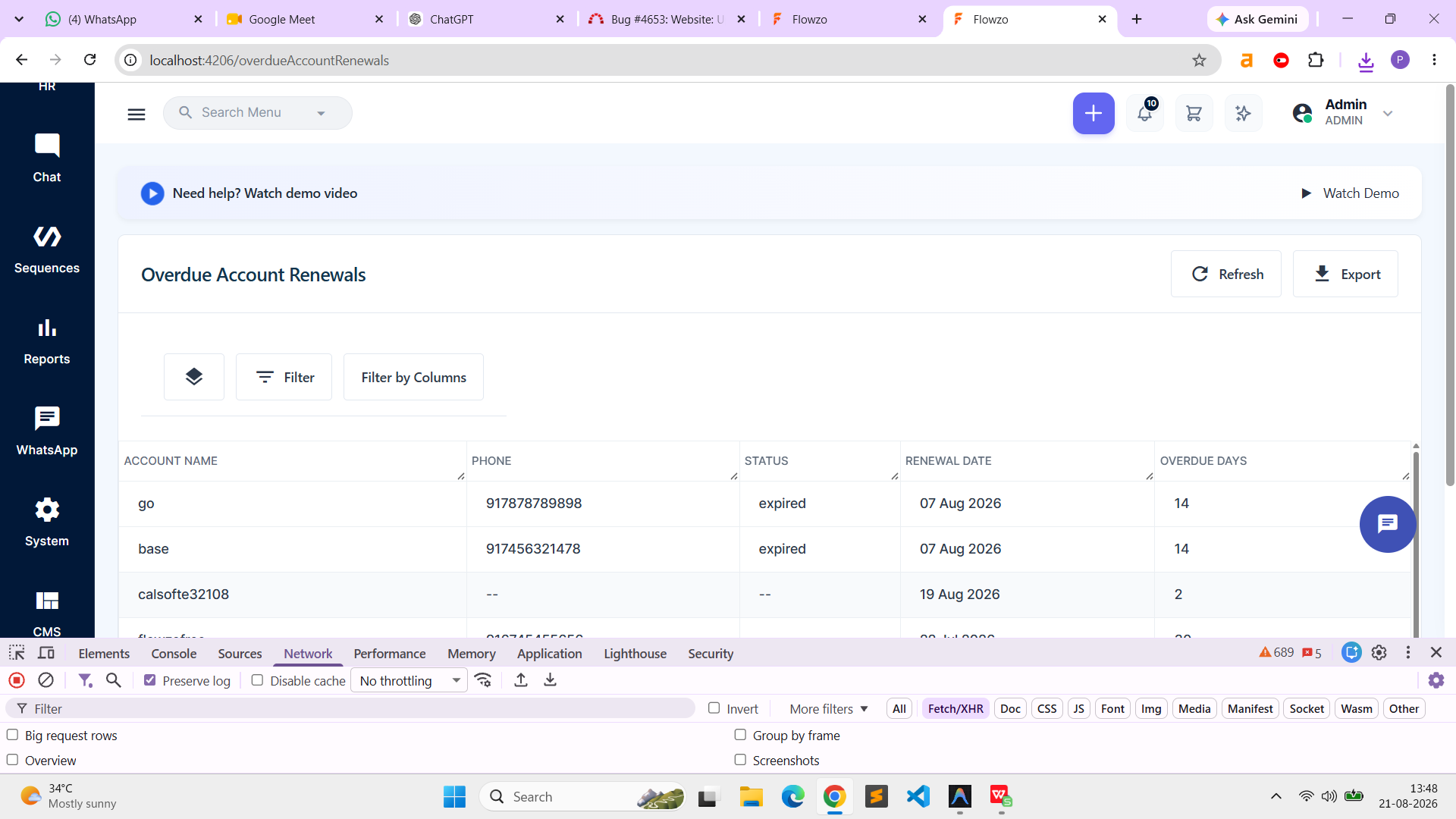
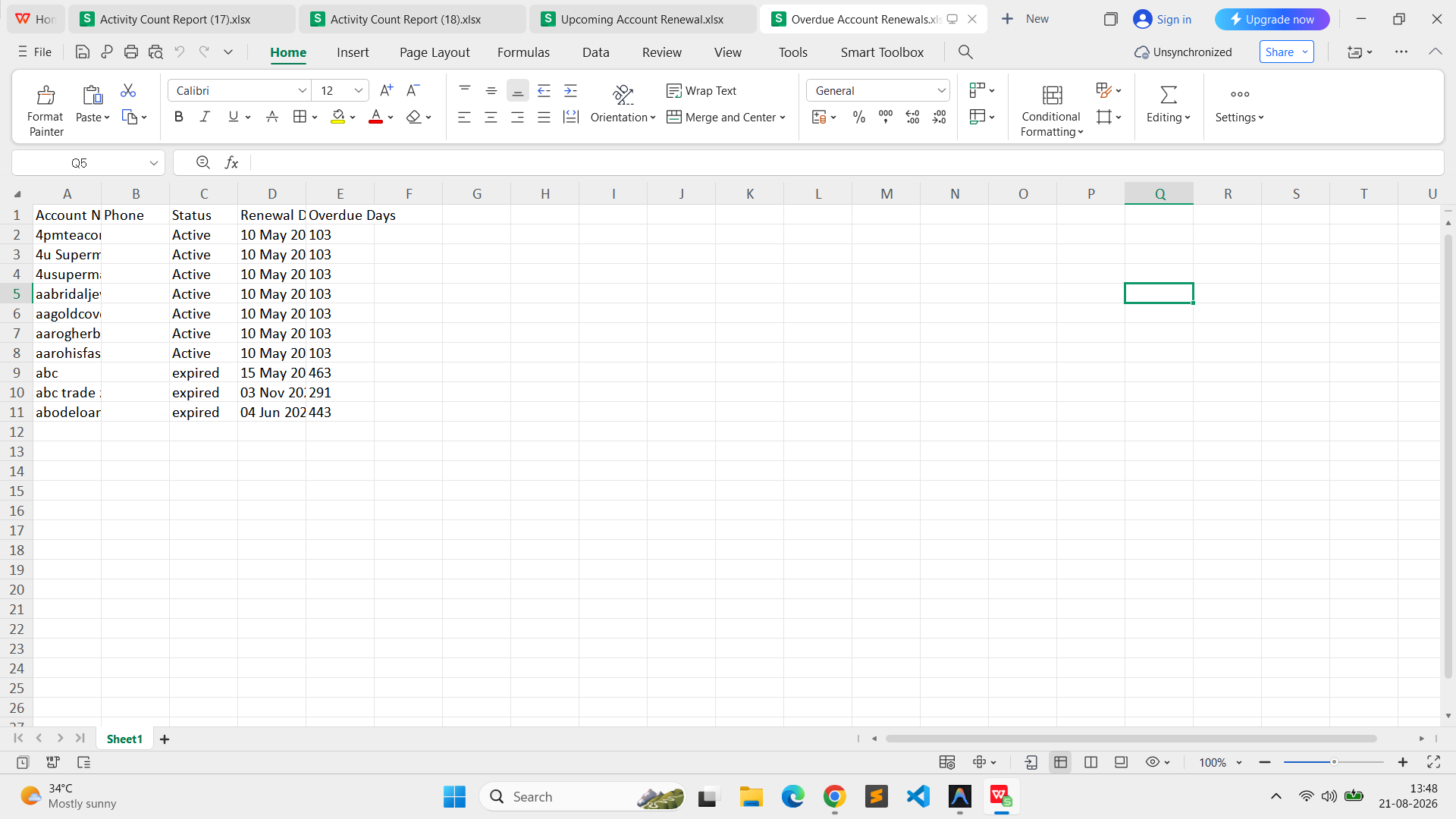
- File clipboard-202608211347-2ydoy.png clipboard-202608211347-2ydoy.png added
- File clipboard-202608211347-2oqaf.png clipboard-202608211347-2oqaf.png added
- File clipboard-202608211348-j6ivv.png clipboard-202608211348-j6ivv.png added
- File clipboard-202608211348-u4oi9.png clipboard-202608211348-u4oi9.png added
- Status changed from New to Resolved
RR Updated by reeta reeta about 22 hours ago
Now it is working
RR Updated by reeta reeta about 22 hours ago
- Status changed from Resolved to Closed
Actions