Actions
Bug #4702
open
PS
NV
First Name and Date Filters Not Working in Call Log and Activities
Bug #4702:
First Name and Date Filters Not Working in Call Log and Activities
Start date:
Due date:
% Done:
0%
Estimated time:
Description
Log in to the Calling App.
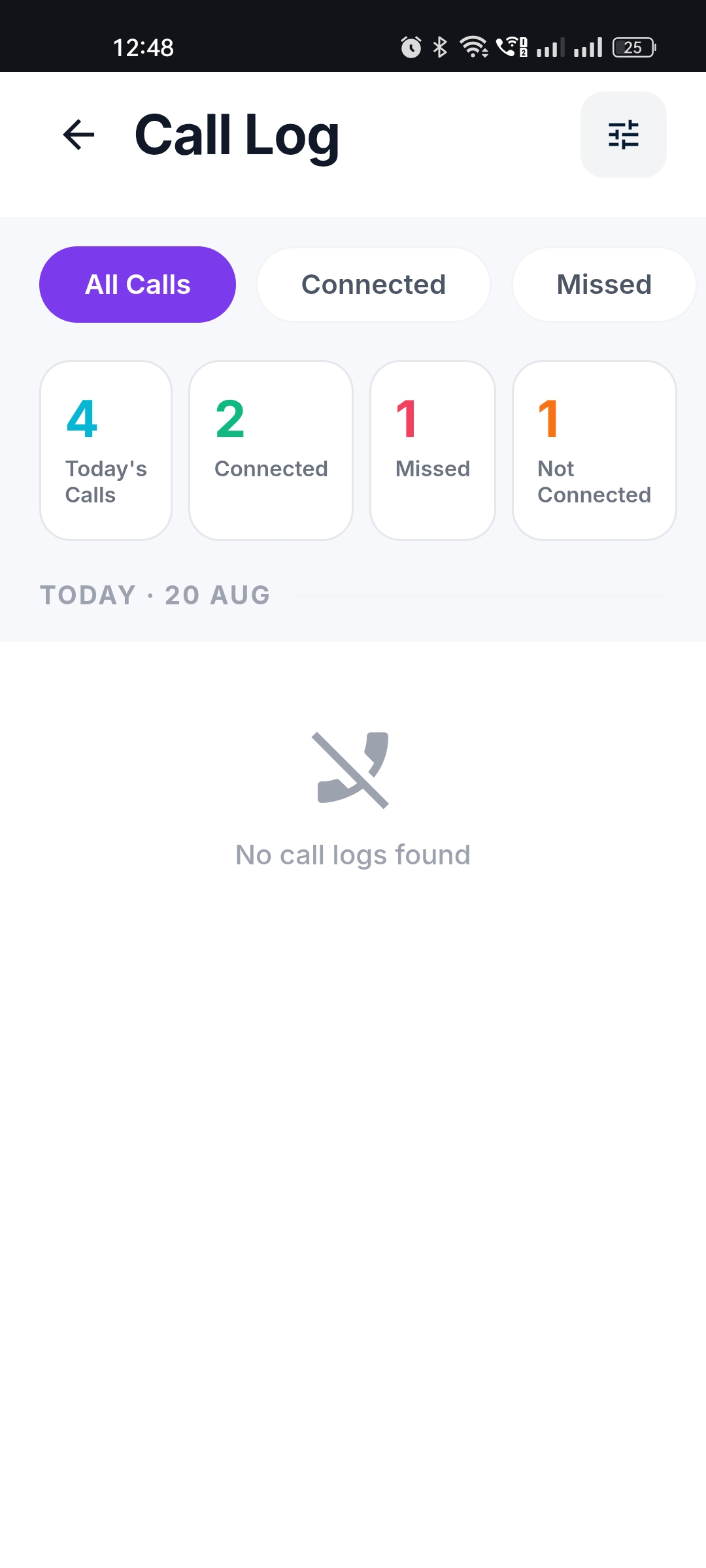
Navigate to Call Log.
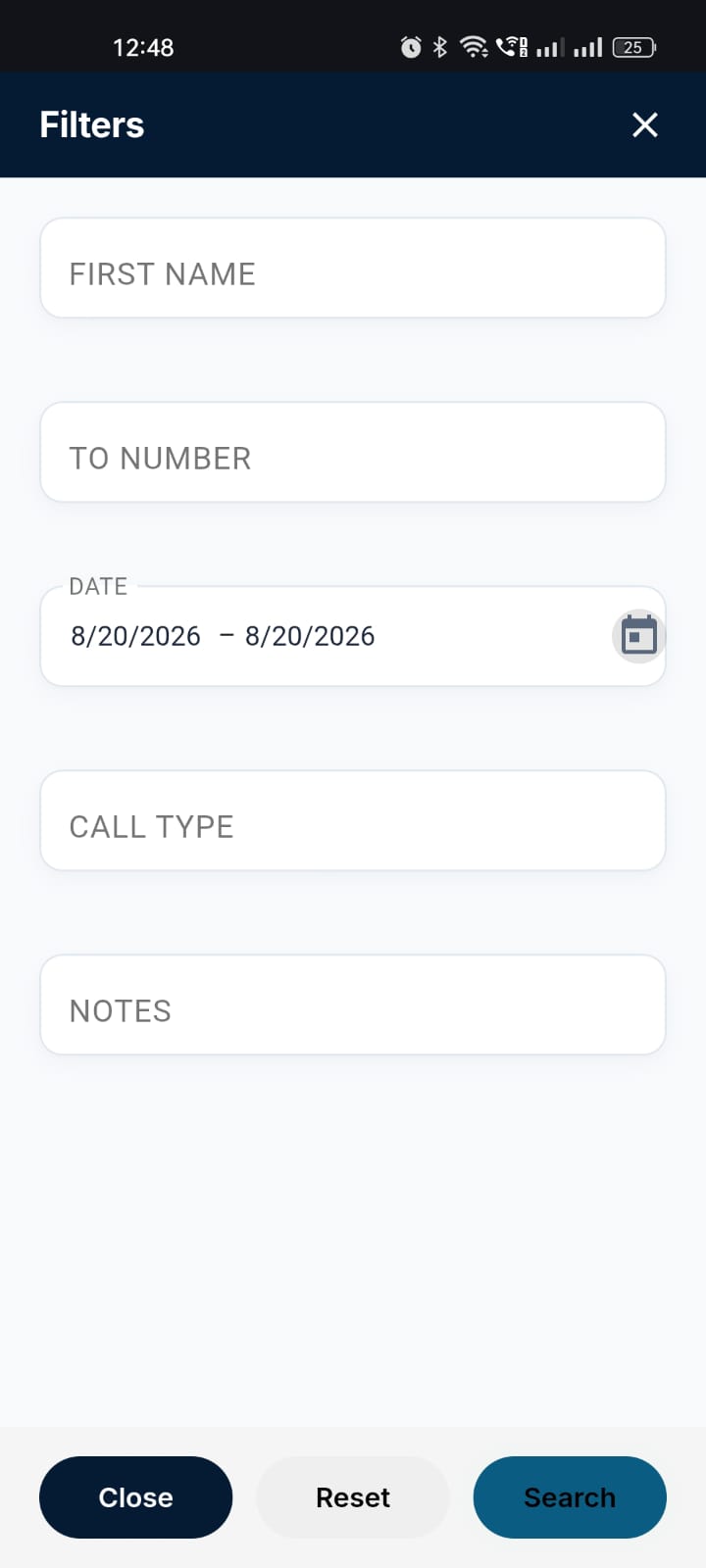
Open the Filter option.
Enter a First Name and/or select a Date.
Click Search/Apply.
Verify the filtered results.
Repeat the same steps in the Activities section.
Expected Result:
The First Name and Date filters should work correctly and display only the records matching the selected filter criteria in both Call Log and Activities.
Actual Result:
The First Name and Date filter search is not working in both Call Log and Activities. The results are not filtered according to the selected criteria.
fff@yopmail.com
Welcome@123
fff
Files
Actions